 Any2WebP
How to Make a WebP or GIF from a Series of Images on Mac
Combine a JPG or PNG sequence into an animated WebP or GIF on Mac. Arrange frames, set their timing, and preview the result in Any2WebP.
Apple Silicon · macOS 26 or later
How to do it in Any2WebP
- Open Any2WebP, click Combine Images, and select at least two still images, such as JPGs or PNGs. The frame editor sorts filenames naturally, so 1, 2, and 10 appear in that order.
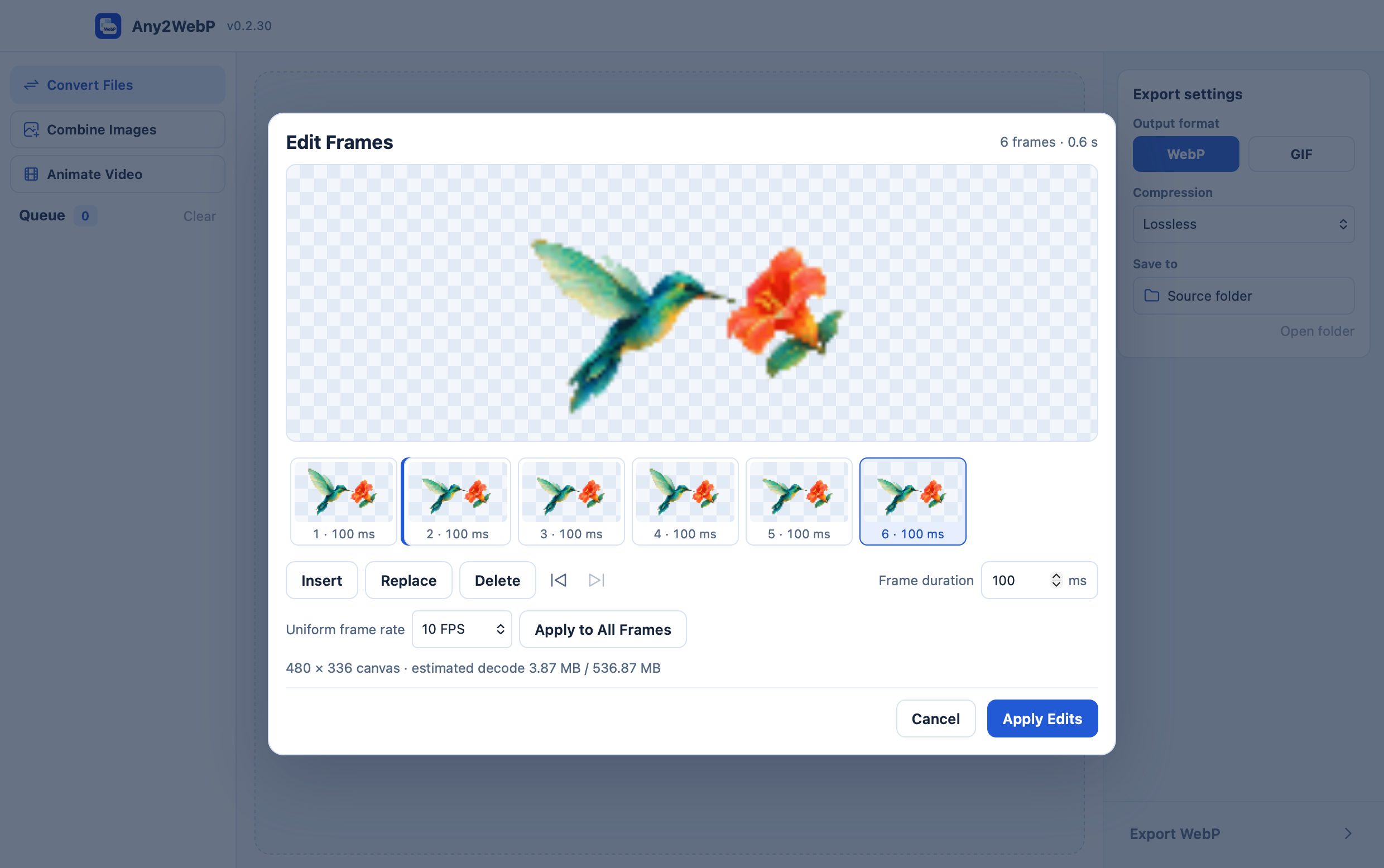
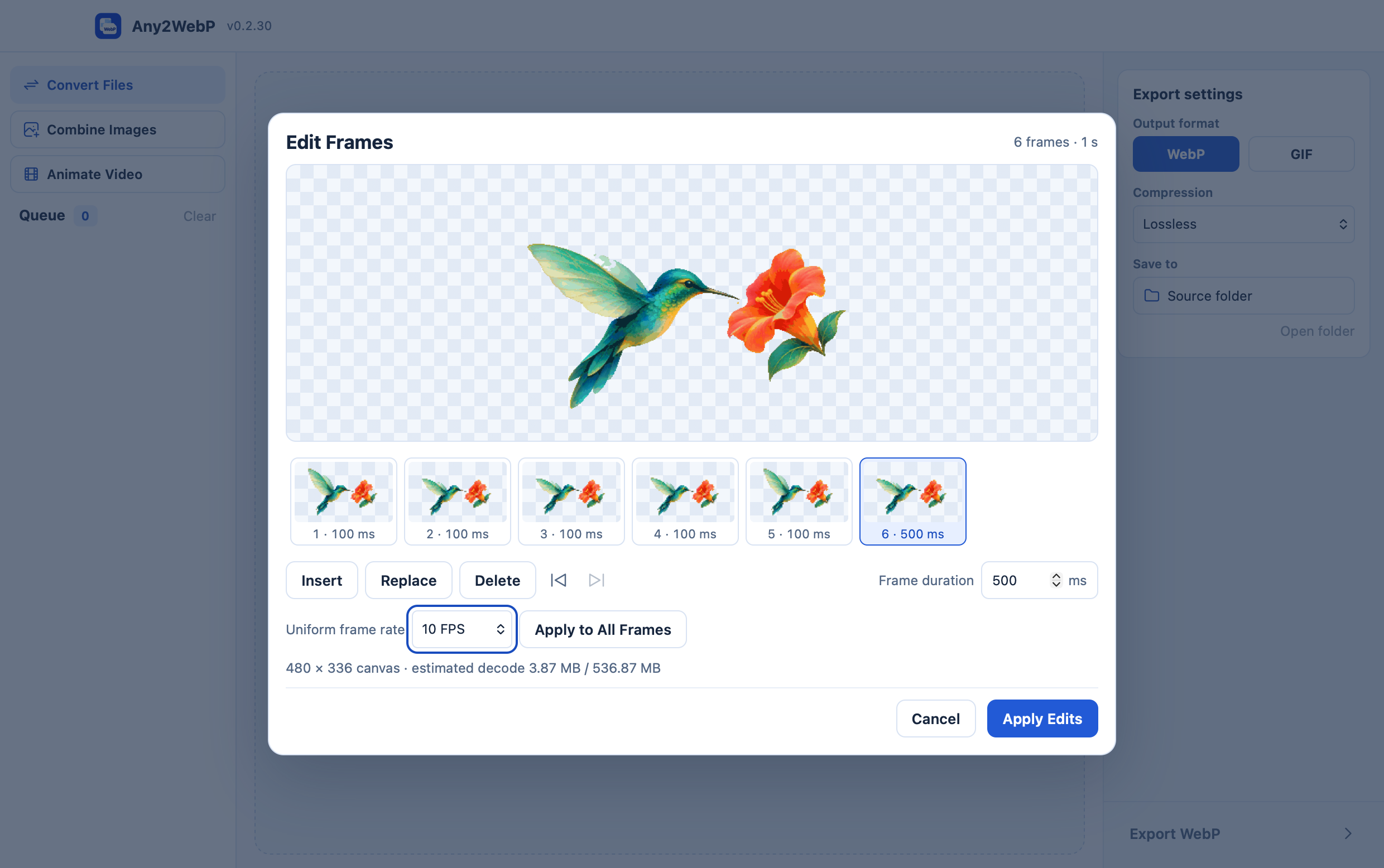
- Drag the thumbnails to change the order. Set a Uniform frame rate and click Apply to All Frames. You can then select a frame and enter its duration in milliseconds. Check the total duration before clicking Apply Edits.
- Choose WebP or GIF in Export settings and export the animation. Use the preview and Output details to check the canvas, frame delays, plays, and transparency.
How can I control the timing and canvas?
At 10 FPS each frame lasts 100 ms, so 20 frames play for two seconds. Set the last frame to 500 ms if you want a longer pause at the end. Images with different aspect ratios are fitted proportionally to one canvas. WebP can keep the transparent margins and partial transparency. GIF pixels are either fully transparent or opaque.