 Any2WebP
How to Convert Animated GIF to WebP on Mac
Convert animated GIF to lossless WebP locally on Mac. Compare the output frame by frame and check transparency, delays, and loop count before sharing.
Apple Silicon · macOS 26 or later
How to do it in Any2WebP
- Open Any2WebP and use Convert Files, or drag animated GIFs into the queue. You can convert several GIFs in one batch.
- Select WebP and choose Lossless. Click Export. If you have a size limit, switch to Target size and enter the limit in KB per file.
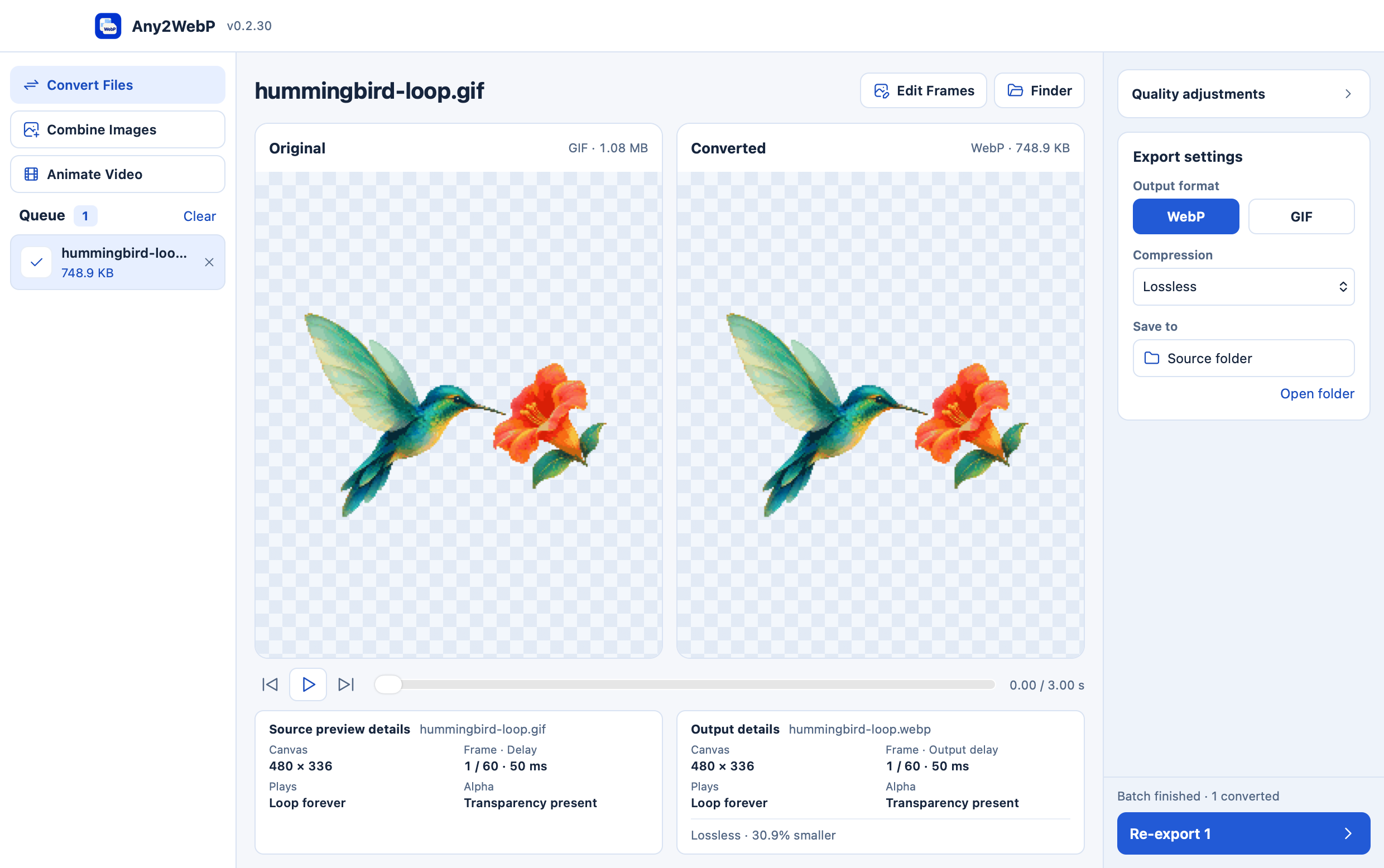
- Play both previews together or step through them. In Output details, check the canvas size, frame delay, play count, and transparency before using the result.
Does conversion keep transparency and frame timing?
Lossless WebP preserves the decoded image, including transparent areas. Any2WebP carries over frame delays and play count where WebP can represent them. For example, the Teal Hummingbird export kept all 60 frames, its transparent background, and its three-second infinite loop.