Smart Convert
Chooses how to create your MP4, avoiding re-encoding when possible.
Less waiting MP4Flow
NATIVE MAC APP
Free, open source and local.
No login, no uploads, no complex settings.
macOS 13+ · Apple silicon & Intel
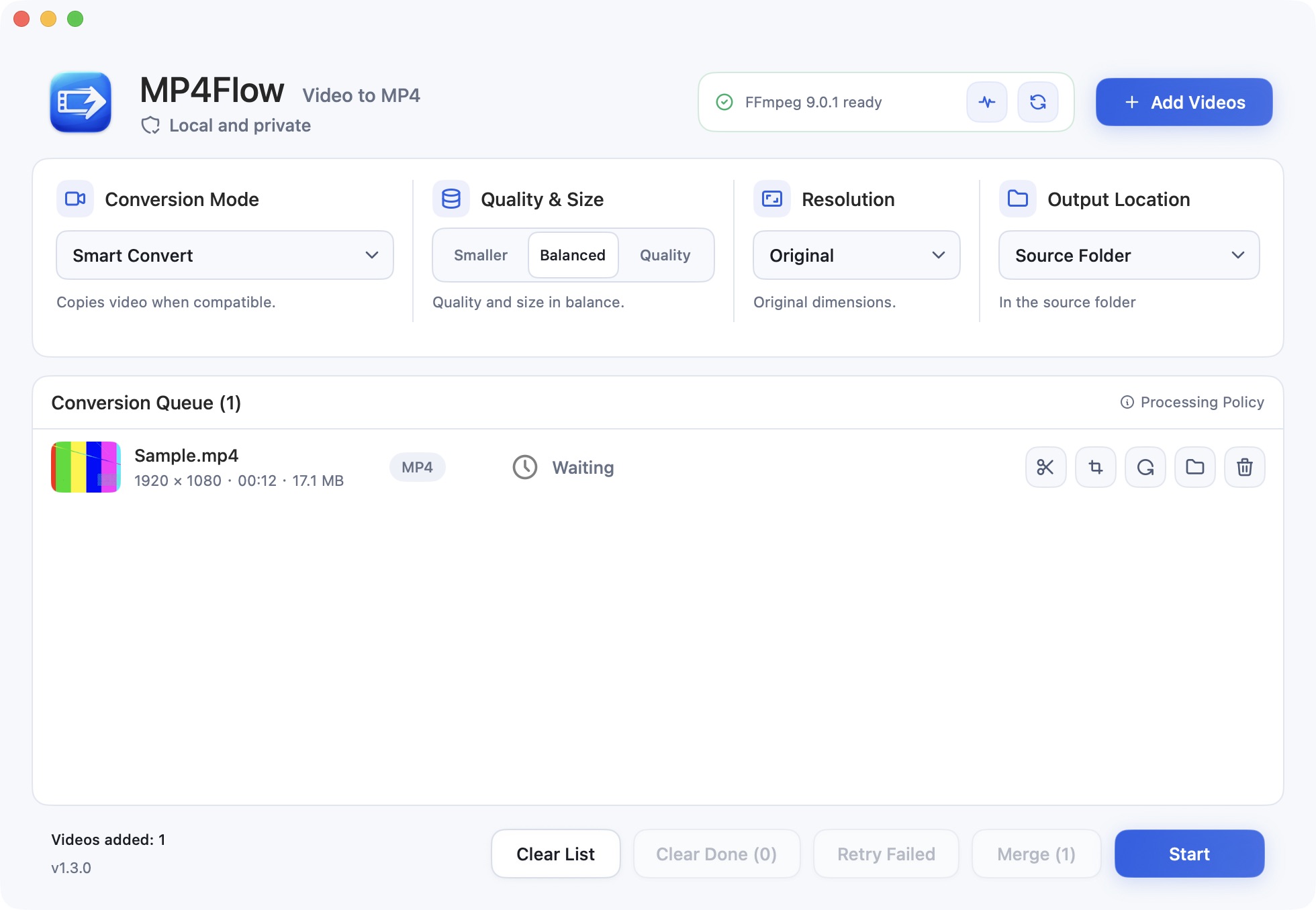
Convert a file as it is, or make a few quick edits before exporting.
Chooses how to create your MP4, avoiding re-encoding when possible.
Less waitingSet the start and end points. Keep only the part you want.
Just the right clipDrag the frame or enter dimensions to remove unwanted edges.
Choose your framingTurn video by 90° or 180° while keeping its proportions.
The right orientationCopies compatible video without re-encoding. Uses hardware acceleration when available.
A lightweight app for Apple silicon and Intel Macs.
Your videos stay on your Mac, from import to export.
Drop files in, or choose them in Finder.
Pick a quality. Trim, crop or rotate if needed.
Follow the progress, then open your video in Finder.
Download the latest version, or build from source.
Free, open source, and right on your Mac.
macOS 13+ · Requires FFmpeg and ffprobe